4 - Optional - Submit a design revision
This guide will show you how to submit a new design revision and to understand the difference between tiles and chips.
Prerequisites
Before you begin, make sure you have:
- A GitHub repository created from the Wokwi Tiny Tapeout template - this is handled by the submission portal from the previous exercise.
- Passing GDS action in your repository.
- Optionally, a passing docs action too.

Passing GitHub Actions indicators, visible on your repo's readme.
Understanding Tiles and Chips
In Tiny Tapeout:
- Tiles are the individual designs on the chip. If your project gets more complex you can use more tiles.
- Chips are the actual physical chips manufactured. They contain all the tiles from all the participants. We mount the chips onto the demoboard.
Updating Your Submission
If you’ve made any changes to your design between the previous exercise and now, you must update your design submission on your website to ensure that the latest version is included. Follow the steps below.
- If you only changed the Wokwi design, save it and then re-run the GitHub action.
- Otherwise, make changes to your project in your GitHub repository.
- Check the GDS action (and docs action, if applicable) is passing.
- Log back in to the submission portal: i.e. go to app.tinytapeout.com.
- Select the project you want to update.
- Click the Submit a new revision button.
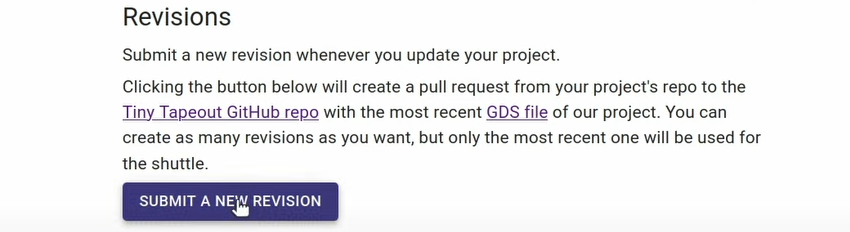
Submitting a new revision of a project
If you want to swap your Wokwi design for a Verilog project, then follow our guide on changing your submitted project repo.
Every time you make a change to your design you’ll need to update the GDS and then submit a new revision. Designs can be changed up until the shuttle deadline - this can be seen on the homepage. No new revisions will be accepted after the deadline. Make sure you account for the time it takes for the GitHub Actions to run.
If you have time, try these next steps
- You can continue to update your design until the shuttle closing date.
- Take a look at our previous chips.
- Check out the Tiny Tapeout 7 datasheet.
- Once the shuttle run has ended you can update your documentation by following this guide.
- Take a look at this great video by Branch Education: